Guides
How CoolBeans works, feature by feature. Each guide is short, with a screenshot and the fewest steps possible — designed to be skimmed in the middle of your day.
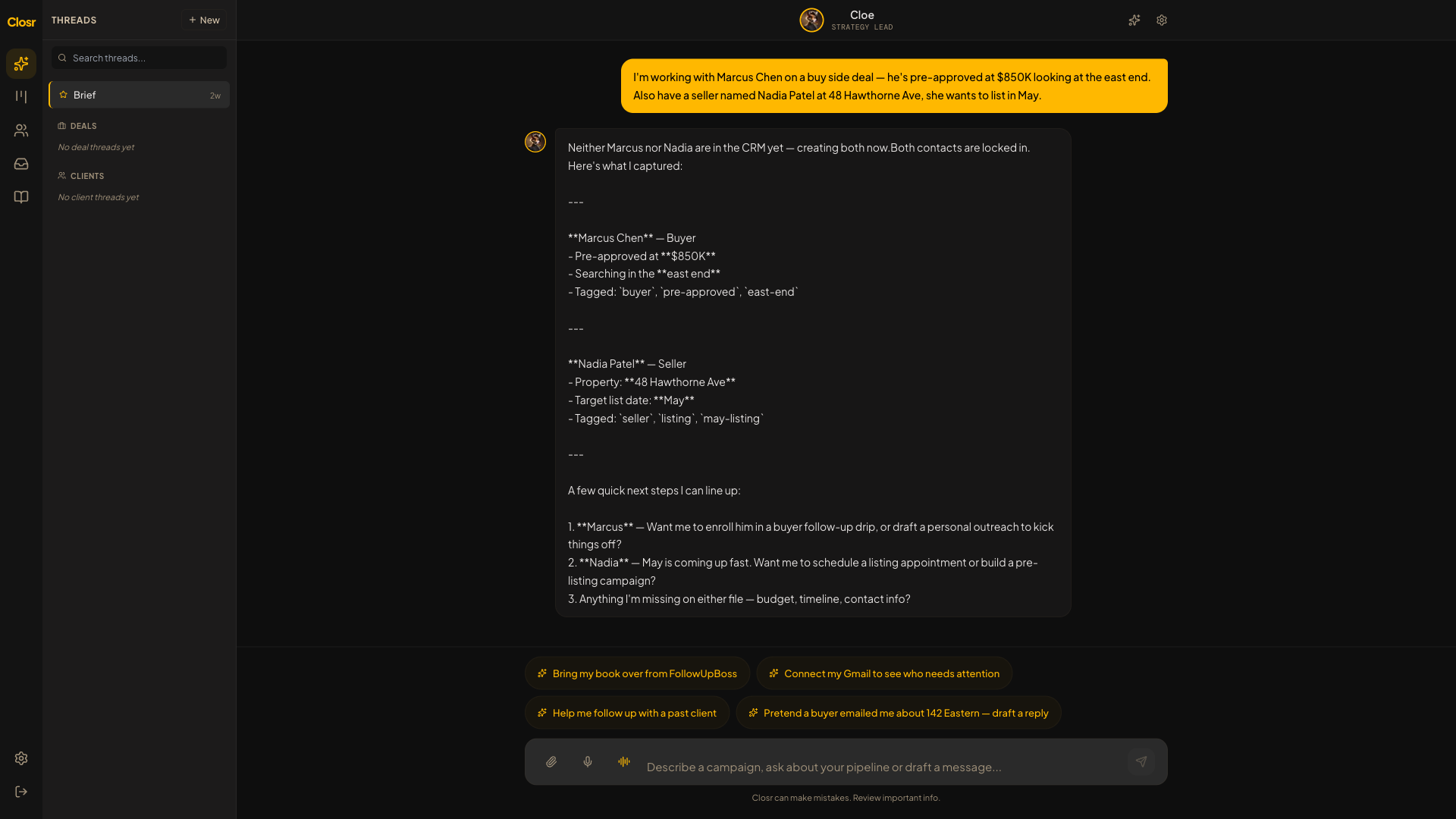
Getting started with CoolBeans
CoolBeans is one chat. You talk, the work happens. New sidebar buckets, Cmd+K, eSign, and Showings, all wired in.

Connecting Gmail
The exact click-through for Google's "unverified app" warning, plus what the four scopes do and why.

Connecting Microsoft 365 or Outlook
Microsoft OAuth for Outlook / Office 365 / Microsoft 365. Walk-through of the "unverified app" warning, the admin-consent-required edge case, and what CoolBeans does with the scopes.

Connecting an IMAP inbox (Rogers, Yahoo, custom domains)
For agents whose email isn't on Google Workspace or Microsoft 365. App-password setup, common provider settings, and the one pitfall that breaks 90% of first attempts.

Connecting Quo (formerly OpenPhone)
Bring your Quo dialer's calls — recordings, transcripts, AI summaries — into the CoolBeans contact timeline. API-key connect, no Zapier needed. Plus the honest v1 cutouts.

Connecting other dialers (Mojo, RedX, BatchDialer, etc.) via Zapier
Generic dialer endpoint for any dialer that has a Zapier trigger. Mojo, RedX, BatchDialer, Vulcan7, Espresso, PhoneBurner — all bridge in ~10 minutes of Zap setup.

Setting up your CoolBeans business line
A dedicated Twilio number for outbound SMS, inbound SMS, and calls. Two provisioning paths and a US-specific A2P 10DLC note.

Connecting your Google Calendar
Calendar sync piggybacks on the Gmail OAuth grant. One connection, two-way sync, conflict detection in chat.

Inviting teammates during alpha
Alpha has two gates: an AlphaInvite token (CoolBeans's) and the GCP test users list (Google's). Both have to clear.

Sending and receiving email
Outbound through your Gmail, inbound threads itself onto the right contact. Bulk senders filtered, bounces flagged.

Texting and calling through CoolBeans
Send and receive SMS, place and answer calls, all from your dedicated Twilio business line. 10DLC for US-bound traffic.

Talking to Cody or Cloe by voice
Hit the waveform icon in chat to start a hands-free voice session. Same tools, no typing. Built for the car.

The unified Inbox
Every inbound email, SMS, and call in one list. Triage queue with claim, mark-read, and team-scoped filters.

Notifications, push, and the notification center
Turn on Web Push so you find out when a hot lead replies. Bell in the topbar keeps the full history.

Brief, your daily catch-all
The chat thread pinned to the top of the sidebar. Welcome card with live numbers, three quick chips, and auto-binding.

Cmd+K: the command palette
One keystroke to jump to any contact, deal, or page. Context verbs change based on where you're standing.
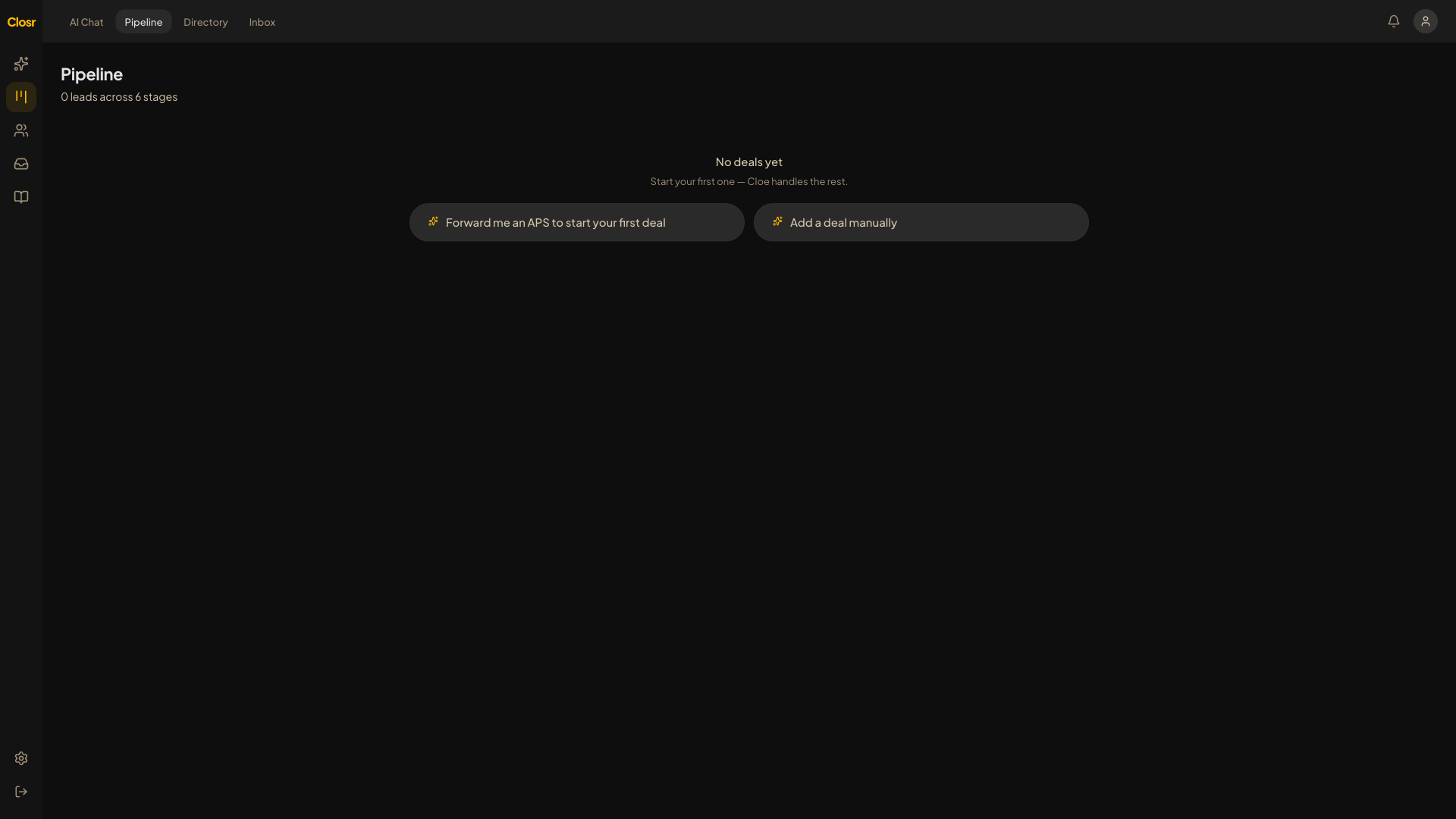
Pipeline kanban + conversation threads
Two views on the same work: a kanban for stage at a glance, and chat threads per deal for the actual work.
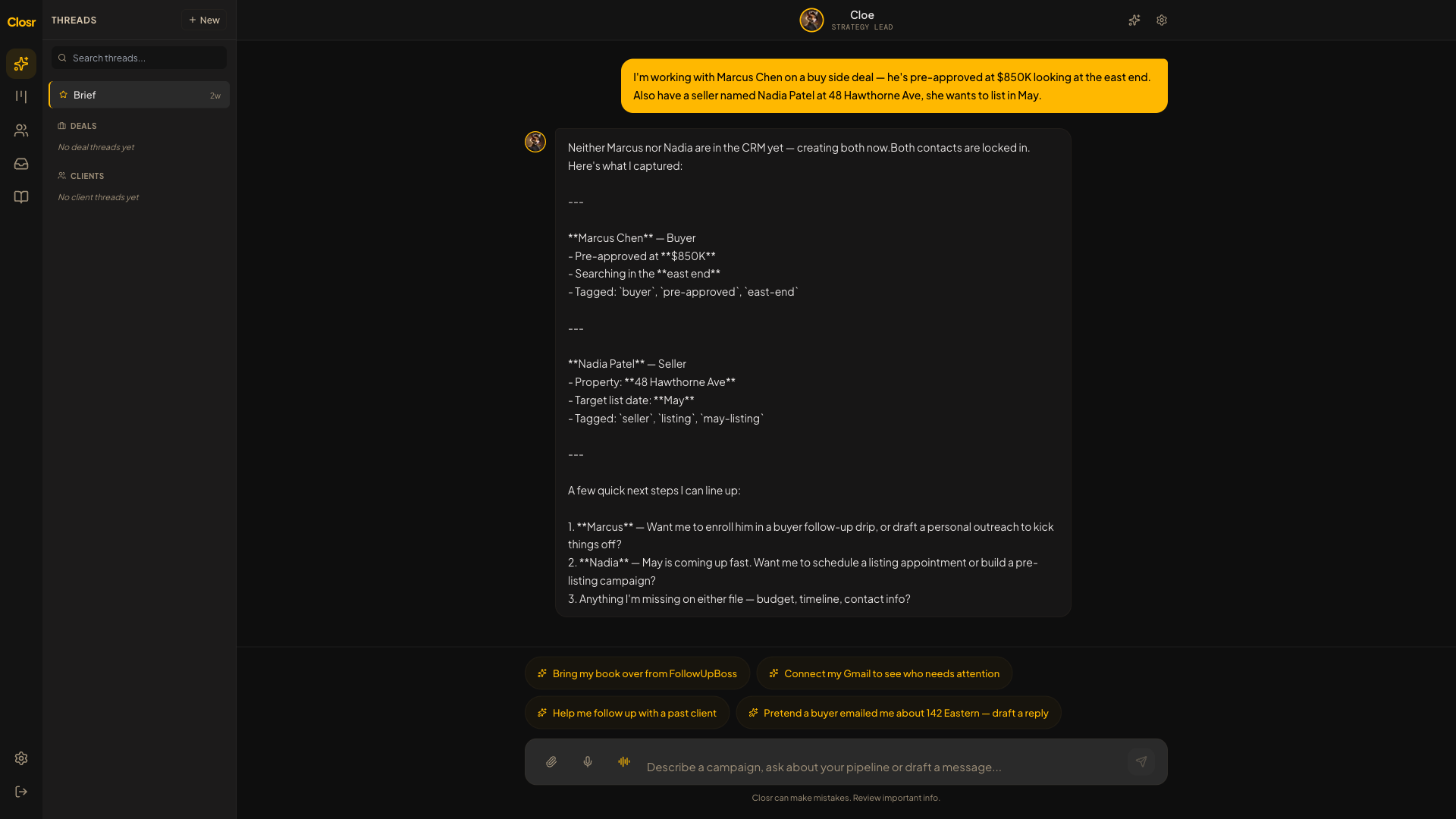
Logging deals from PDFs
Drop an APS, listing agreement, or amendment. CoolBeans reads every field and logs it into your pipeline.

eSign: draft, place fields, send, sign, complete
Send any PDF for signature without leaving CoolBeans. Auto-place fills signatures, dates, and initials in one click.

Showings: BrokerBay parsing, calendar, page
BrokerBay confirmation lands in Gmail. CoolBeans parses it onto the Showings page, your calendar, and a push notification.
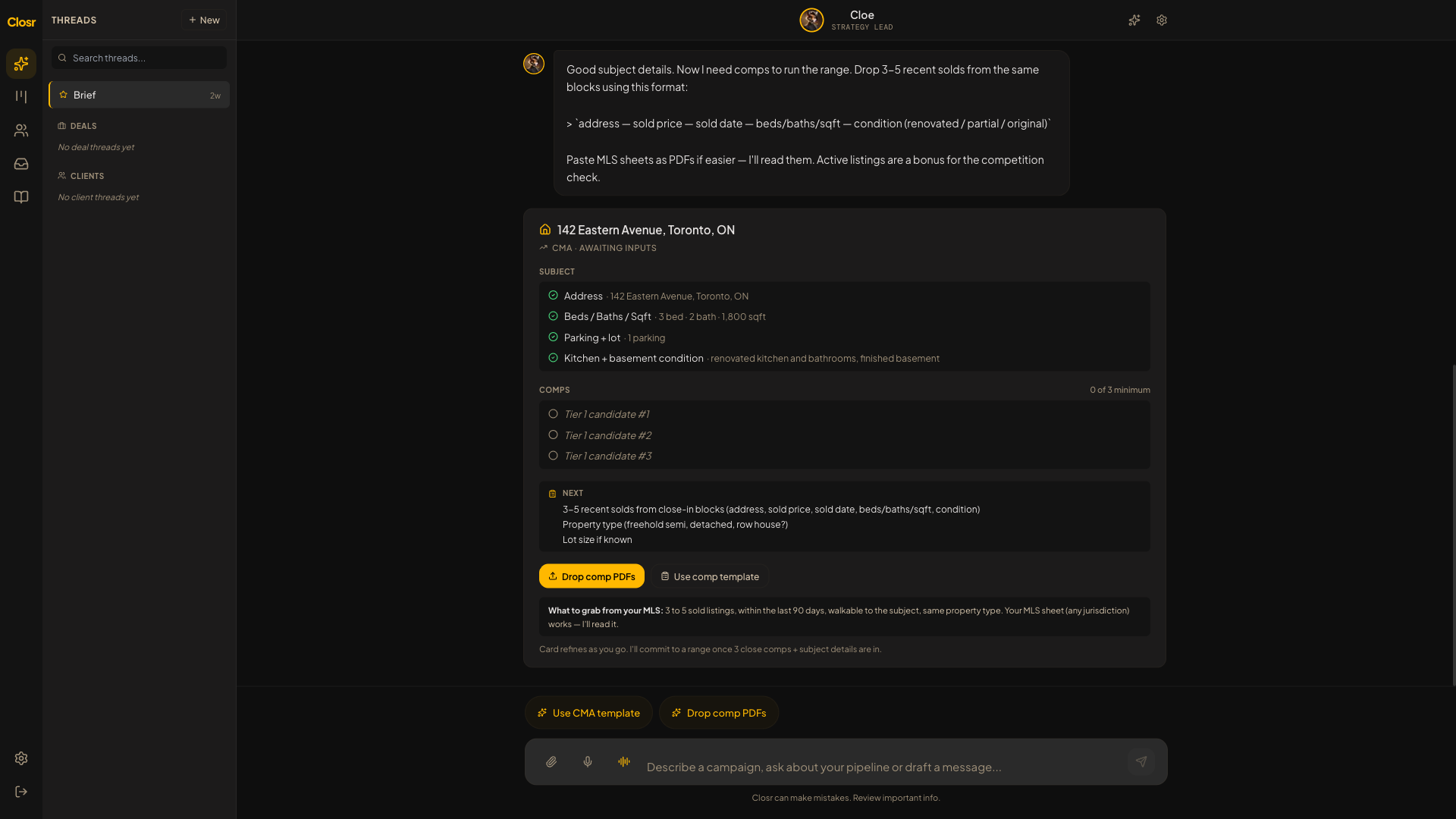
Valuing properties, pitching listings, briefing buyers
Run a methodology-faithful CMA. Get a pitch email and CMA in the same turn when you're going for a listing.

Training CoolBeans on your voice
Feed CoolBeans 3 to 5 writing samples in Settings → Knowledge Base. Drafts start sounding like you, not a CRM.
Bringing your book into CoolBeans
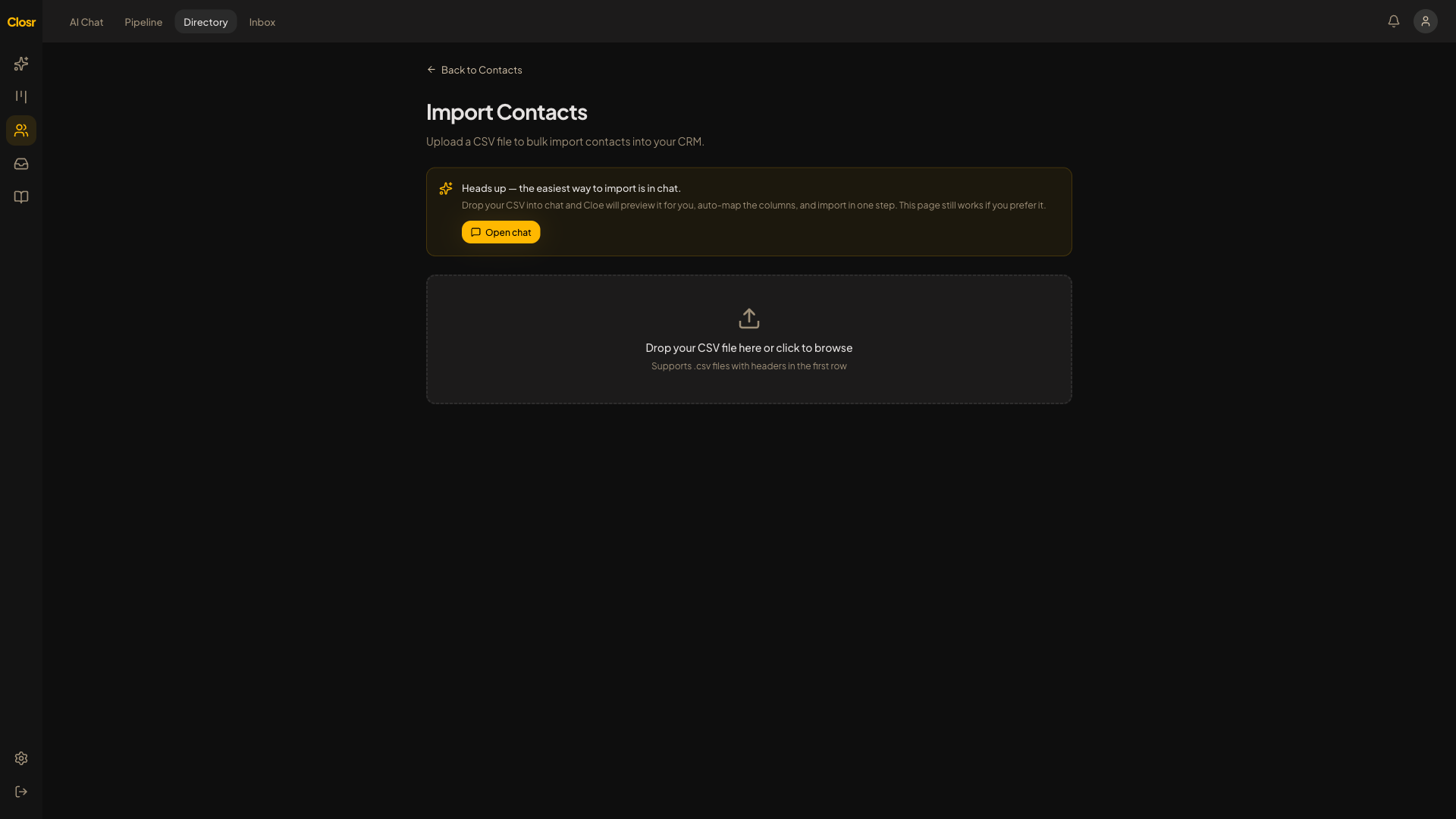
Drop your FollowUpBoss / Lofty / KW Command export. CoolBeans maps the columns and dedupes.

Contact tags and custom fields
Tags are for cohorts (Buyer, Hot, VIP). Custom fields are for facts (pre-approval amount, move-in date).

Web Tracker, install in 5 minutes
Drop one snippet on your website and CoolBeans starts logging every page each of your leads visits.

Lead intake: forms, Facebook Lead Ads, routing
Ingest leads from your website form, FB Lead Ads, Zapier, or the inbound API. Round-robin to teammates.

Lead scoring and saved views
0-to-100 score across five components. Hot flame for repeat web visitors. Saved views power the dialer and mass email.

Campaigns: multi-channel drips and mass email
Build a multi-step nurture in chat or from the page. Email, SMS, voice. One blast or a 5-step sequence on the same engine.

Automations, recipes, and agents
Describe the rule, CoolBeans writes it. Plus @research, @recap, @outreach, recipes, Cmd+J inline AI, and the daily digest.

The power dialer
Stack a saved view as a call list. Click-to-call down the rows, post-call AI summary, outcome flips lead status.

Profile, commissions, brokerage split
Tell CoolBeans how your brokerage bills you. Gross stays on the kanban; net flows everywhere else.

Analytics and the leaderboard
Solo agents get Analytics (pipeline health, lead-source ROI). Teams unlock the Leaderboard, ranked by deals won.

API keys
Mint a key, paste it into a tracker / Zapier / custom form, label it so you can revoke the right one later.

Reporting issues during alpha
Bottom-right amber button on every page. One textarea, no form. Ara reads them daily.

Inbox buckets — sort the noise from what needs your attention
Buckets are how CoolBeans keeps real client emails out of the same pile as newsletters and noise. Three are built in, and you can add your own.